

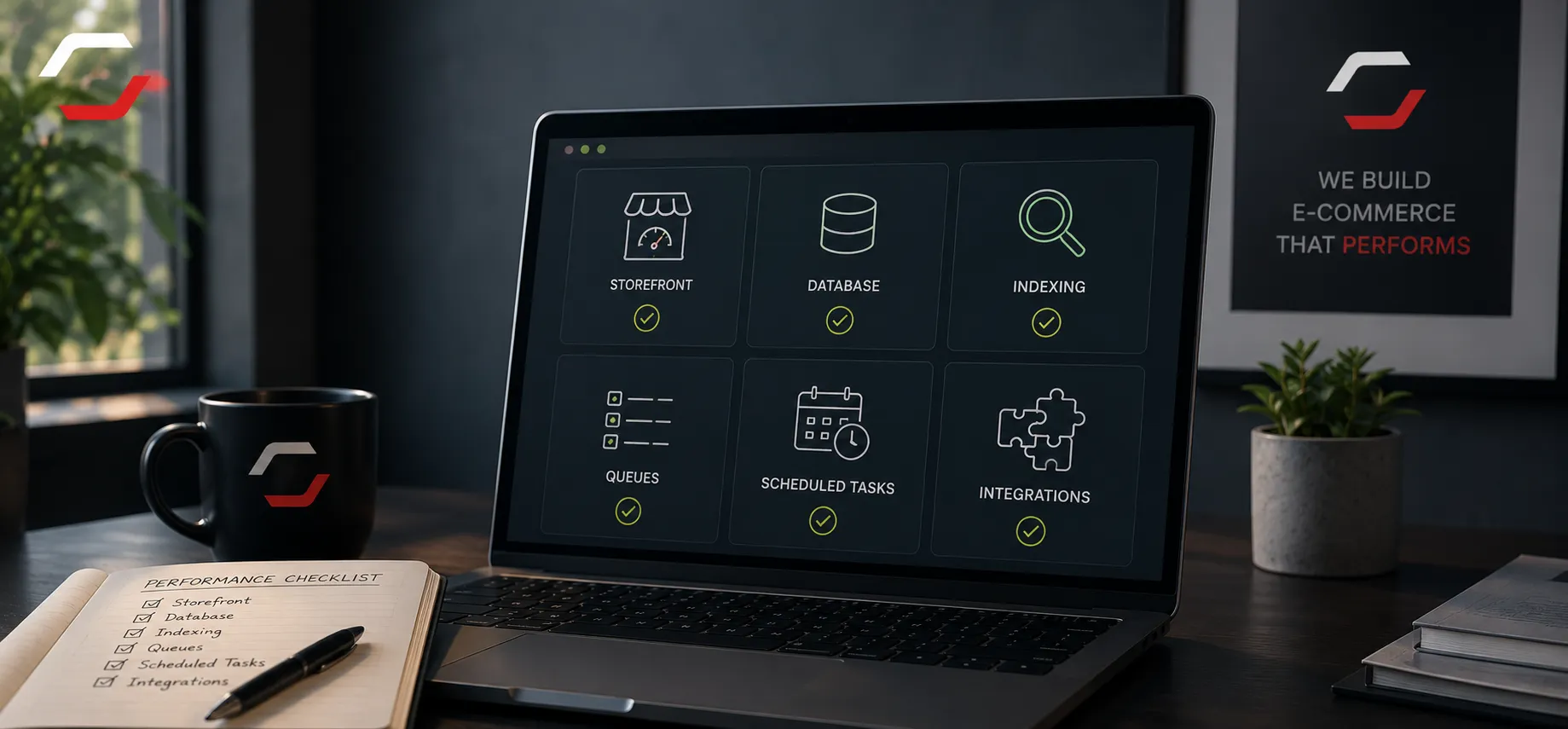
A slow Shopware shop is not one problem. Storefront rendering, server responses, database queries, search, indexing, imports, queues and external services can each create a different bottleneck.
Measure before changing anything
Start with real requests and jobs. Identify whether customers experience slow category pages, product pages or checkout, or whether the team is waiting for imports, indexing and synchronization. Measurements prevent random cache and server changes that do not address the cause.
Check background work
Large catalogues need careful indexing, batch sizes, scheduled tasks and queue workers. Review failed messages, long-running jobs and repeated updates before increasing worker counts or changing infrastructure.
Customer-facing symptoms
Slow category or product pages, delayed search, cart issues and checkout timeouts need request-level investigation.
Operational symptoms
Long imports, failed queue messages, delayed stock updates and blocked indexing need background-job investigation.
Review data and integrations
Database queries, plugin behaviour and ERP/PIM synchronization can affect both administration and storefront performance. Make ownership, retries and logging visible so partial failures do not become repeated work.
Validate the improvement
A change is useful only when it improves the measured bottleneck without breaking another workflow. Retest the original request or job, watch error logs and queue failures, and document what changed so the next Shopware update does not undo the work.
Need to diagnose an existing Shopware shop?