
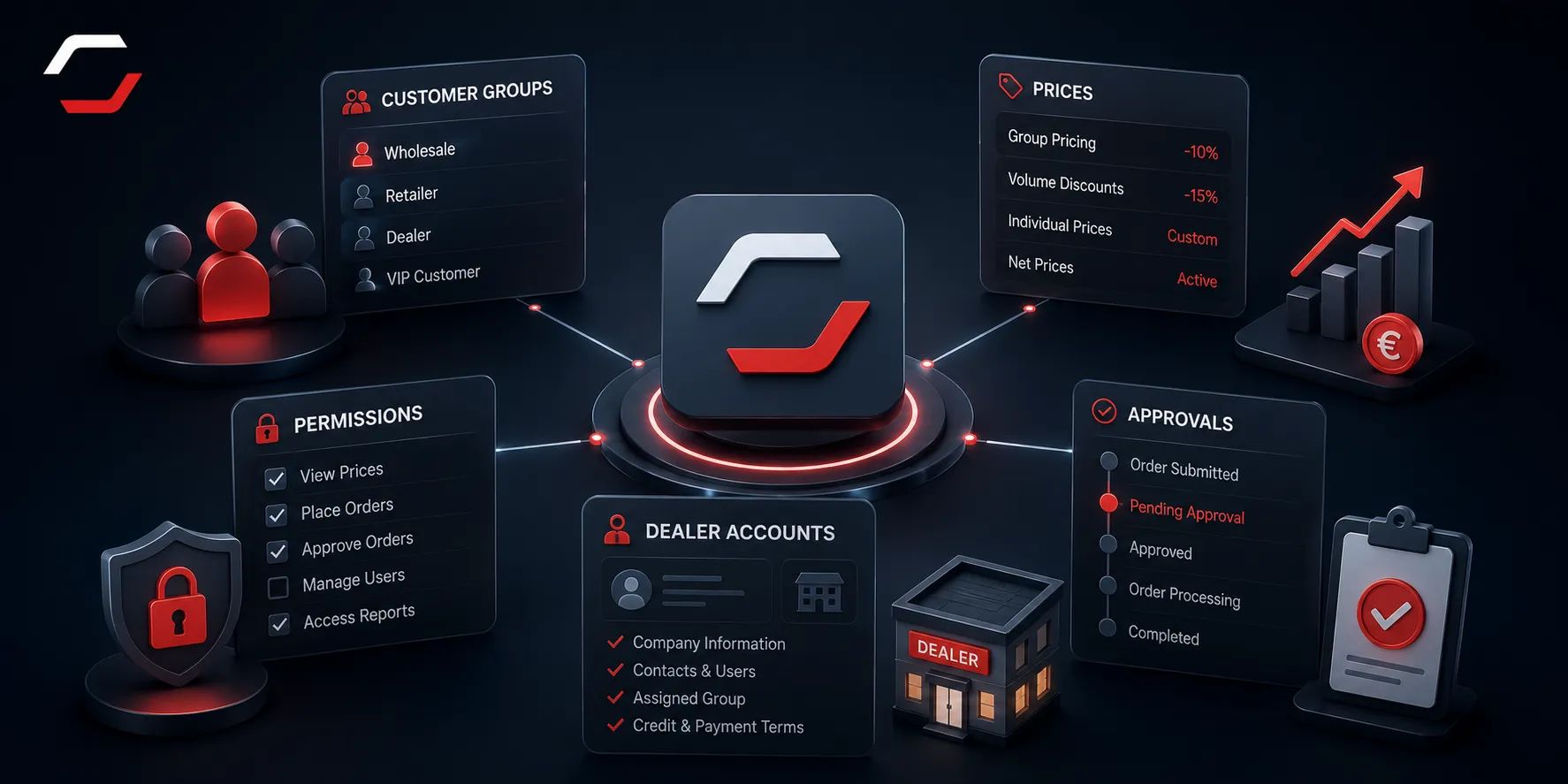
B2B customers do not all buy under the same rules. A useful Shopware B2B setup starts with the commercial model: which company may see which catalogue, price, payment terms and ordering process.
Model accounts and permissions first
Define the company account, individual buyers, approvers and dealer levels before changing the storefront. This prevents pricing, catalogue visibility and approval logic from becoming isolated exceptions that are difficult to maintain.
Customer-specific catalogues and pricing
A customer-specific price is only one part of the rule. Decide whether a company can see the full catalogue, particular brands, a restricted assortment or products in a defined sales channel. Keep rules close to source data and avoid manually maintaining the same condition in several systems.
Keep prices and product data connected
Customer-specific prices and catalogue rules often depend on ERP or PIM data. Decide where those values are owned, how they reach Shopware and how failed updates are visible to the team.
Approvals and repeat ordering
Many companies need one person to prepare a basket and another to approve it. Others need purchase-order references, quote requests or a quick way to repeat regular orders. Treat these as explicit workflow states with clear notifications and ownership, not free-text notes after checkout.
Test real ordering scenarios
Validate minimum quantities, packaging units, payment terms, approvals, repeat orders and account access with real users before launch. The best B2B workflow matches the process buyers already use.
Need B2B functionality that fits your sales process?