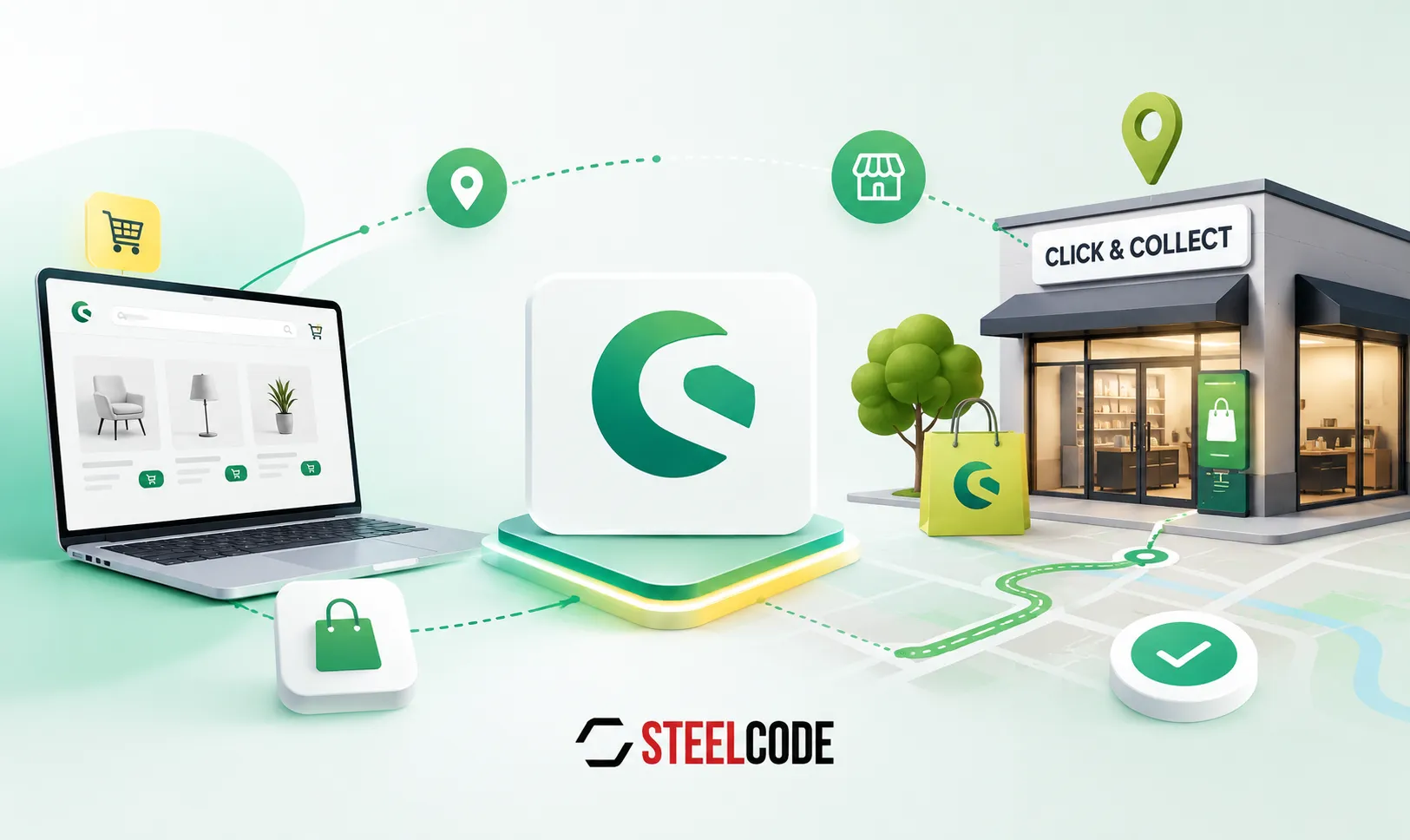
Shopware Click & Collect is not just another delivery method. It changes what a customer needs to know before adding an item to the cart: whether it is available in a particular branch, how many units that branch can provide, when it can be collected and whether the last item must be reserved before someone else buys it. A reliable store-pickup workflow connects that customer decision to the actual stock and staff process behind it.
Click & Collect needs stock for each store, not only one total
When products are held across several warehouses or physical stores, a single Shopware stock number is not enough to promise pickup from a chosen branch. The SteelCodeZekaCnc plugin stores stock by product and Baucentar location. On a product page, it can show how many active stores have the item available; after a customer chooses a store, the shop shows the quantity at that branch, its address and opening hours. A branch with no stock is clearly marked as unavailable.
Choose a branch before promising pickup
The customer can switch from standard delivery to Click & Collect, open a list of stores and select a branch with stock. That choice is kept through the cart and checkout, and the matching Shopware pickup shipping method is set automatically.
Limit the cart to branch availability
A cart validator checks every product against the selected branch. If the requested quantity is higher than what the store has, Shopware limits the quantity and returns an understandable error. Without a selected store, it still prevents a quantity above the highest available branch stock.
ERP stock synchronisation keeps store availability useful
For Zeka, the plugin retrieves warehouse stock from the ERP endpoint and matches each row by product number and warehouse code. Scheduled tasks run the warehouse import and total-stock update every 10 minutes. The work is dispatched through the queue in batches, with locks that skip an overlapping run instead of allowing two stock imports to write at once. Store stock is then summed into the Shopware product stock while negative quantities are kept from reducing the total below zero.
A reservation begins at checkout, not in a spreadsheet
Selecting Click & Collect changes the checkout to the pickup shipping method and asks the customer for a pickup date and time slot. The implementation provides a selectable pickup window rather than leaving staff to interpret a free-text delivery note. When the order is placed, Shopware stores the selected Baucentar, branch code, pickup date and time slot in the order custom fields, so the branch receives the exact information it needs to prepare the order.
Reservations need a clear stock lifecycle
On order placement, the ordered quantity is reserved against the selected branch and removed from its available quantity. The ERP stock import accounts for the reserved quantity, which helps prevent a newly imported stock value from making reserved items appear available again. When the pickup order is completed, the reservation is resolved; if it is cancelled, the quantity is returned to the branch. Reservation and cancellation emails give the store a direct operational handover.
Shopware Click & Collect for Zeka's store network
SteelCode built Zeka's Click & Collect workflow around the real relationship between webshop, ERP, warehouses and Baucentar branches. It combines per-store availability, selection in the storefront, quantity protection, a scheduled stock connection and reservation data that stays with the order. The result is not a generic pickup label: it is a process that lets customers reserve stock at the branch where they intend to collect it.
Planning a Shopware pickup flow starts with stock ownership, store rules, ERP synchronisation and a clear handover to staff.