
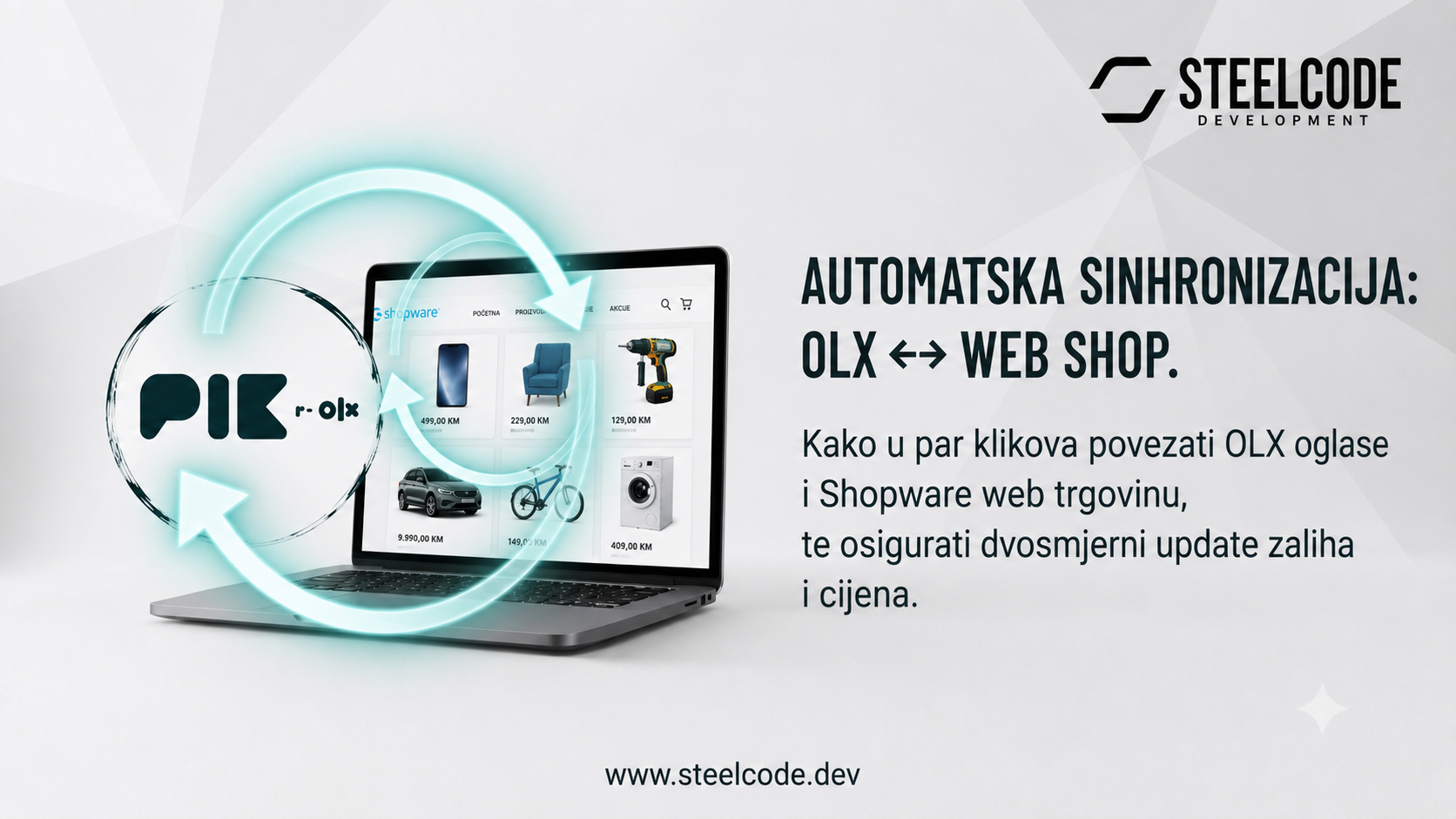
Selling through both OLX and a webshop creates more reach, but it can also create duplicate work. A product is added in one place, then copied to another. A price changes, stock is reduced, or an item is no longer available—and someone has to remember to update every channel.
That process works while the catalogue is small. As the number of products and orders grows, manual updates become slow and mistakes become expensive. An outdated listing can lead to a sale of an unavailable product, while inconsistent prices make the customer experience harder to trust.
One source of truth for your product data
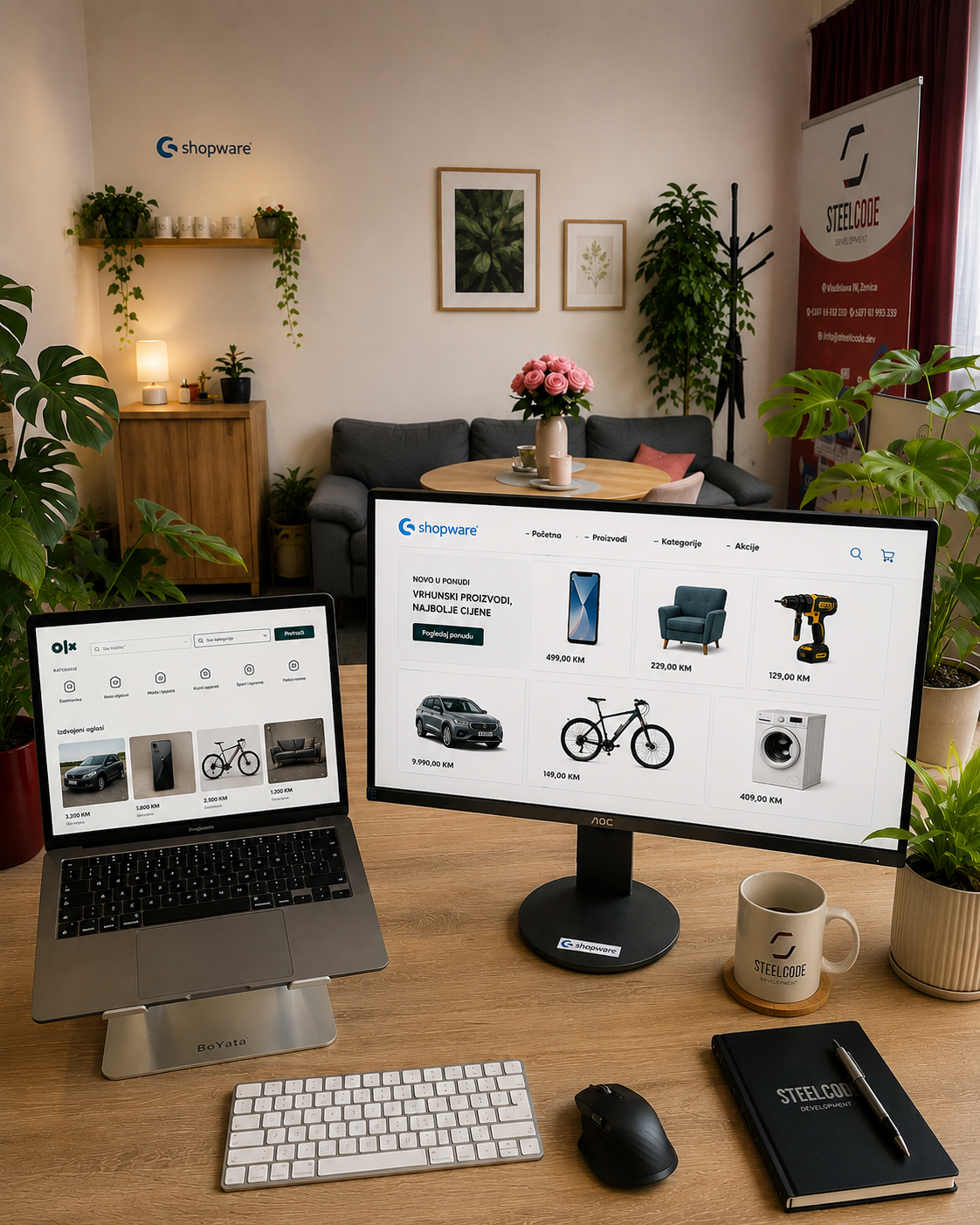
A connection between OLX and Shopware gives the business a clearer way to manage catalogue data. Instead of treating the marketplace and webshop as separate islands, the integration can keep the relevant product information moving between them. The goal is simple: spend less time copying data and more time selling.
Synchronize the changes that matter
The most important information is usually stock and price. When these values stay aligned, teams can avoid overselling, reduce manual corrections and give customers a more consistent view of the offer—whether they arrive through OLX or directly in the Shopware store.
What a practical OLX ↔ Shopware workflow looks like
Central product management
Products can be prepared in the system your team uses every day, with consistent titles, descriptions, images and pricing instead of separate, repeated entry work.
Reliable inventory updates
Stock changes need to reach the other channel quickly enough to prevent avoidable sales of items that are no longer available.
The right setup depends on the way a business already works. Some teams want Shopware to be the central catalogue. Others need rules for which products should appear on OLX, how categories are mapped or how marketplace-specific content is handled. Those decisions should be part of the integration design, not an afterthought.
Automation still needs good rules
A useful integration is more than a one-time import. It needs clear ownership of data, sensible update rules and visibility when something fails. For example, the team should know which system owns the price, what happens when a product is removed and how failed updates can be reviewed and retried.
When those details are planned properly, OLX and Shopware can work together as one sales setup instead of two systems that constantly need manual reconciliation. That means cleaner operations, fewer errors and more time for the work that actually grows the business.
Don't have a webshop yet?
What are you waiting for? Your existing OLX products can be imported into a Shopware webshop in just one click, then kept in sync as your catalogue, prices and stock change. It is a practical way to turn the work you have already done on OLX into a sales channel you fully own.
Centralize supplier catalogues and sell everywhere
For B2B sellers, OLX is often only one part of the picture. We can import catalogues from different suppliers through connectors, centralize product data in one place and synchronize it across your sales channels, marketplaces and webshops. This removes repetitive product entry and gives your team a catalogue that is easier to manage as the business grows. Sounds interesting? Get in touch and we can talk through the right setup for your catalogue and sales process.
Looking for the PIK / OLX connector for Shopware or WooCommerce?
Find out more here